
One idea, many deliverables
Chat, outline, draft, and generate in one place instead of dragging context between apps.
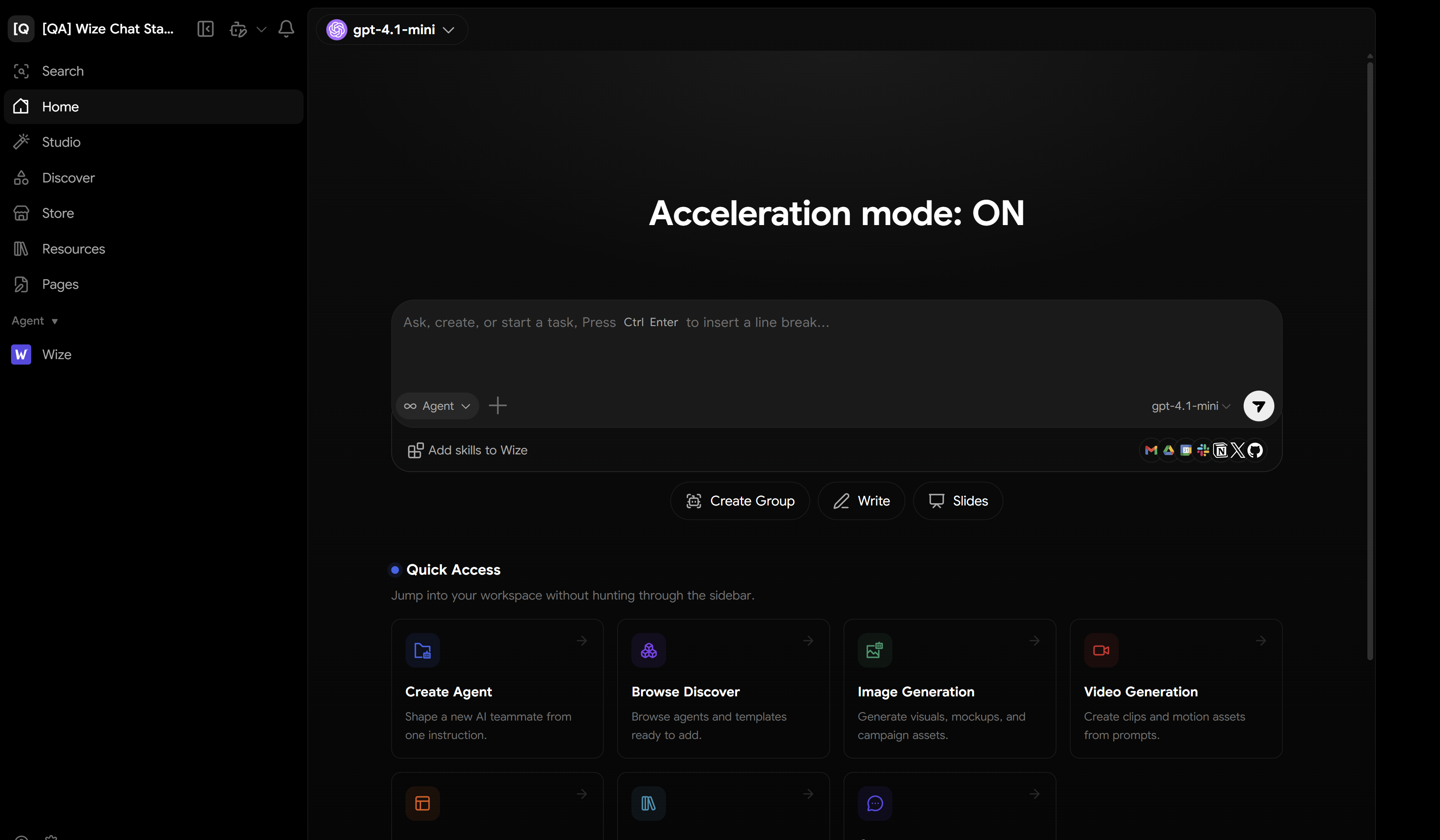
Many jobs do not end with a short reply — they become drafts, visuals, and documents. Wize keeps chat and the working area side by side so momentum does not die in the handoff.
Where work gets stuck
You start in chat, then jump to a doc editor, then to an image tool, then maybe somewhere else for revisions. Every jump breaks context and costs time.
How Wize helps
Wize keeps chat, generation, and editing in the same flow. When an idea is ready to become a real piece of work, you open it in another tab and keep going right there.
What you can do with it
The practical pieces people use day to day.
Separate each output into its own generation tab
Images, long-form drafts, and other outputs stay organized as separate working tabs, so you can compare and return without losing your place.
Keep refining inside Page Editor
When the work needs headings, layout, tables, or images, you can shape it like a document without switching systems.
Start from a short instruction if that is all you have
Prompt Transform helps expand rough intent into something usable when you know the direction but do not want to write a careful prompt from scratch.
Reuse context from agents and knowledge
The work you generate can stay grounded in the same brief, agent, and source material from the chat that started it.
Share or export once the piece is ready
When the output is stable enough to move, you can copy, export, or share it without rebuilding the formatting elsewhere.
How the workflow changes
| Topic | Before | After |
|---|---|---|
| Working across formats | Ideas live in chat, drafts live in docs, and visuals live somewhere else. | The work stays in one place and moves forward from the same starting point. |
| Editing output | Copy everything into another tool just to clean it up. | Open Page Editor and keep shaping it in place. |
| Prompt quality | Spend time figuring out how to phrase each request for each tool. | Start with the short version and let the system help expand it. |
Best fit for
Writers and content makers
Go from outline to article, script, or visual draft without dropping the thread in the middle.
Marketing and sales teams
Turn one brief into campaign copy, emails, and supporting assets without shuttling across apps.
Teams exploring multiple directions
Keep several routes open at once and compare them without reopening everything from scratch.
Related features
Drop a file into chat and ask from the original
PDFs, spreadsheets, images, and code can be read directly so you do not have to strip them down first.
Create image, video, and audio from one brief without re-briefing
Take one direction and turn it into visual, motion, and voice assets inside the same workflow.
Keep model access in one place, then choose what fits the job
Use Claude, GPT, Gemini, local models, and custom providers in one place without dragging context across apps.