
Create image, video, and audio from one brief without re-briefing
Take one direction and turn it into visual, motion, and voice assets inside the same workflow.
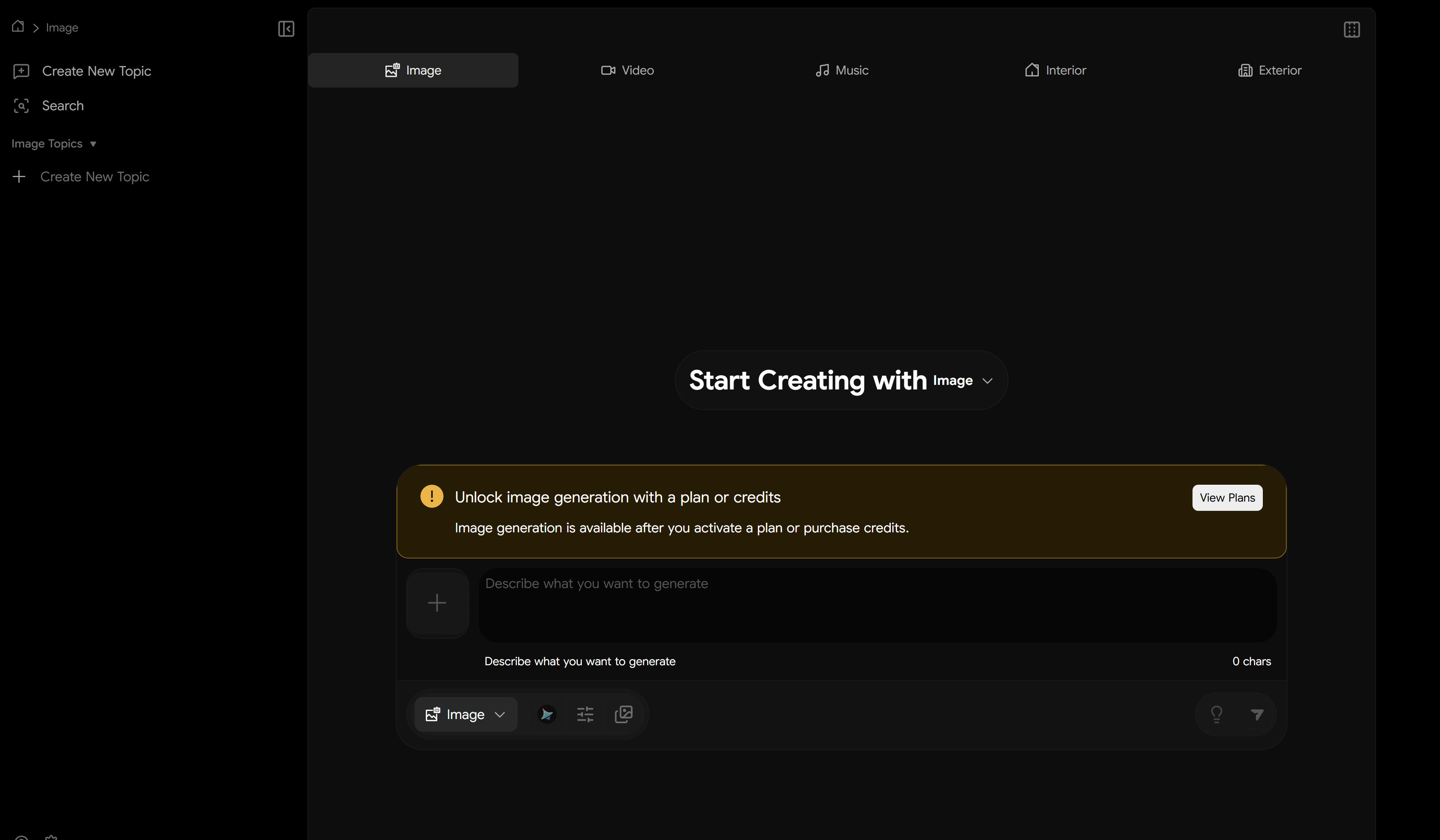
Some projects need more than one nice-looking asset. They need a key visual, a motion draft, and maybe a voice layer that all feel like they belong to the same idea. Media Generation helps you keep that direction intact while branching into different formats.
Where work gets stuck
The moment you move from chat into an image tool, then into video or audio, small but important details start falling out: the audience, the mood, the main message.
How Wize helps
Wize lets you branch one brief into several media types while keeping each round organized, reviewable, and close to the original direction.
What you can do with it
The practical pieces people use day to day.
Turn one brief into multiple asset types
Start from one prompt and branch into image, video, or audio without rewriting the whole setup every time the format changes.
Keep the original direction intact
The brief from your chat, agent, or knowledge source stays in play, so the tone does not drift as you switch mediums.
Track variations in a way that stays readable
Each generation lives in its own tab, making it easier to compare versions, styles, and creative directions later.
Drop the results back into the main work
Generated assets can move back into a page, script, or campaign plan without breaking the rest of the work.
Compare media-focused providers more directly
If you are choosing where to generate next, Wize points you toward providers that are worth a closer look for media work.
How the workflow changes
| Topic | Before | After |
|---|---|---|
| Starting creative work | Retell the brief every time you jump from chat into another media tool. | Use the same brief to continue into image, video, and audio from one place. |
| Comparing directions | Versions scatter across apps and folders. | Variations stay in one place where they are easy to review and revise. |
| Choosing providers | Guess which option might suit the media task best. | Use the media pages to narrow down which provider deserves attention first. |
Best fit for
Marketing and social teams
Useful when one campaign brief needs to turn into several asset types for different channels.
Creators and production teams
Move from script or storyboard into visual and audio drafts without losing the original direction.
Sales and pre-sale teams
Produce demo assets, voice samples, or quick concepts faster when a conversation needs something concrete.
Related features
One idea, many deliverables
Chat, outline, draft, and generate in one place instead of dragging context between apps.
Talk to AI like a helper instead of typing every line
Use Thai and English voice input, then listen to spoken replies when typing is not the fastest option.
Keep model access in one place, then choose what fits the job
Use Claude, GPT, Gemini, local models, and custom providers in one place without dragging context across apps.