
Start with the work you want to do
Choose the path by task, then let Wize keep chat, documents, models, and media in one workflow.
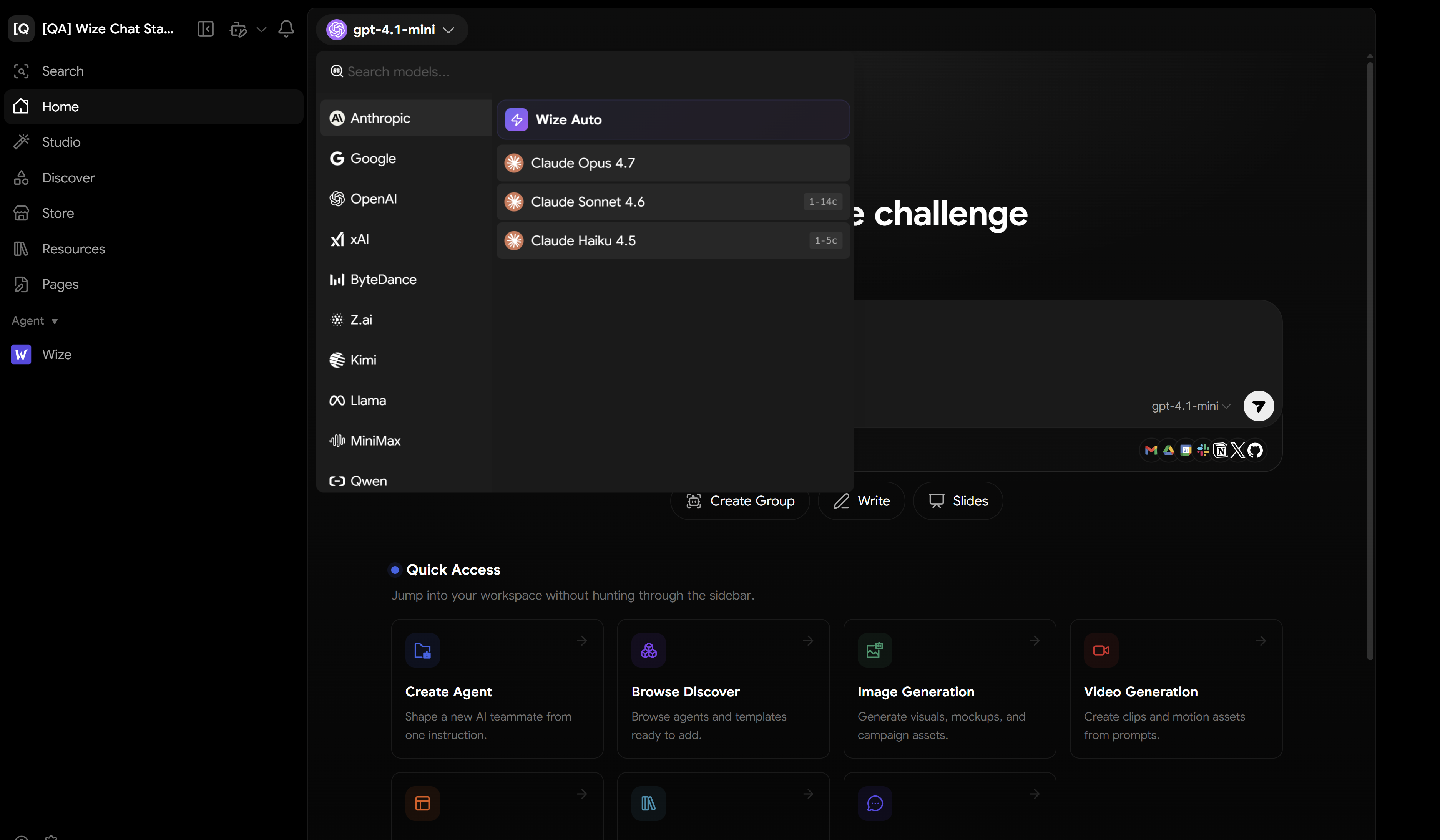
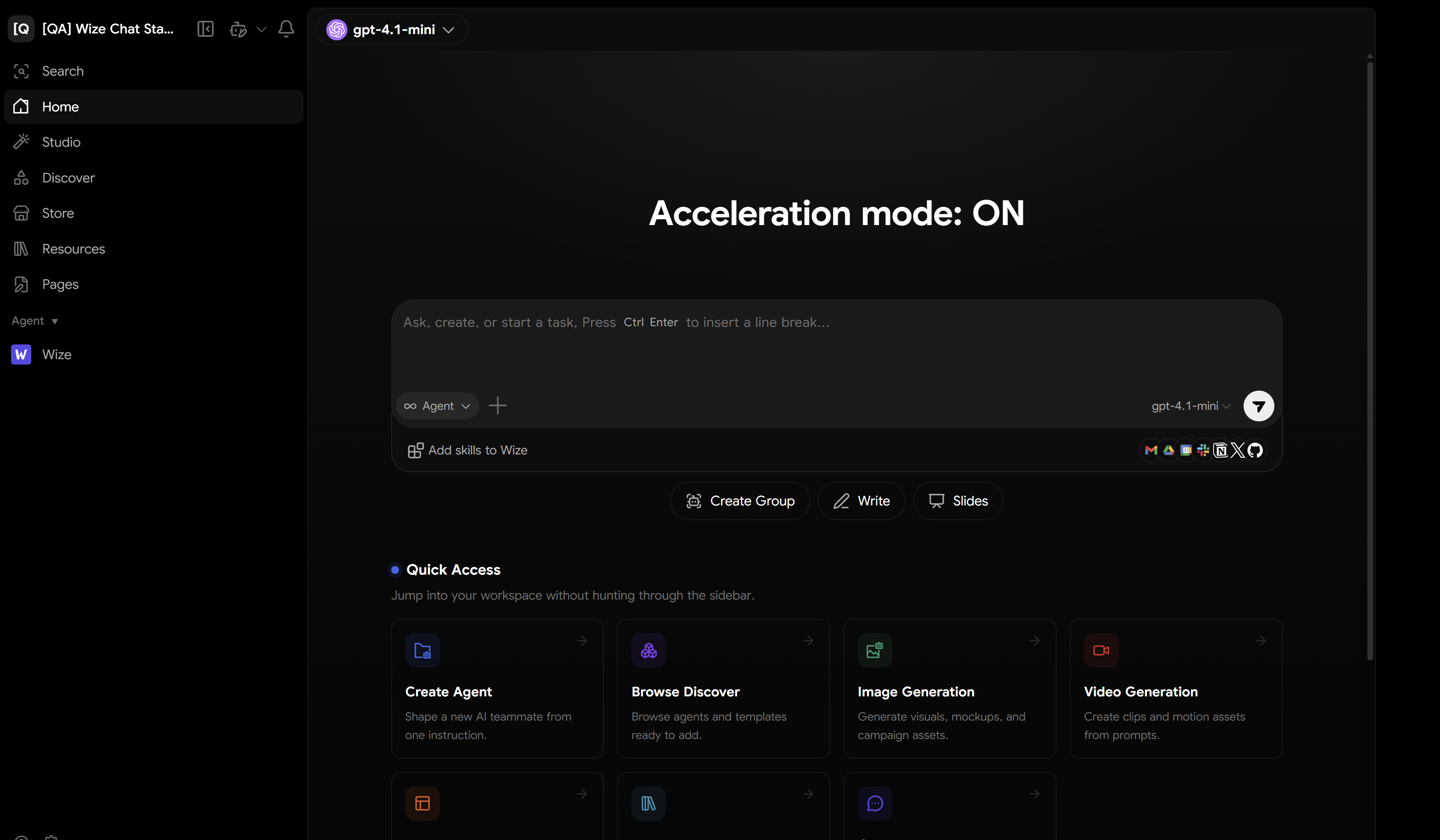
Switch models, ask from files, and continue into media from the same workspace.
You do not need to start from a model name
Start with what you want to do, then open the part of Wize that fits that job.
Switch models by task
Use GPT, Claude, Gemini, Qwen, and other models in one workflow without starting a new chat.
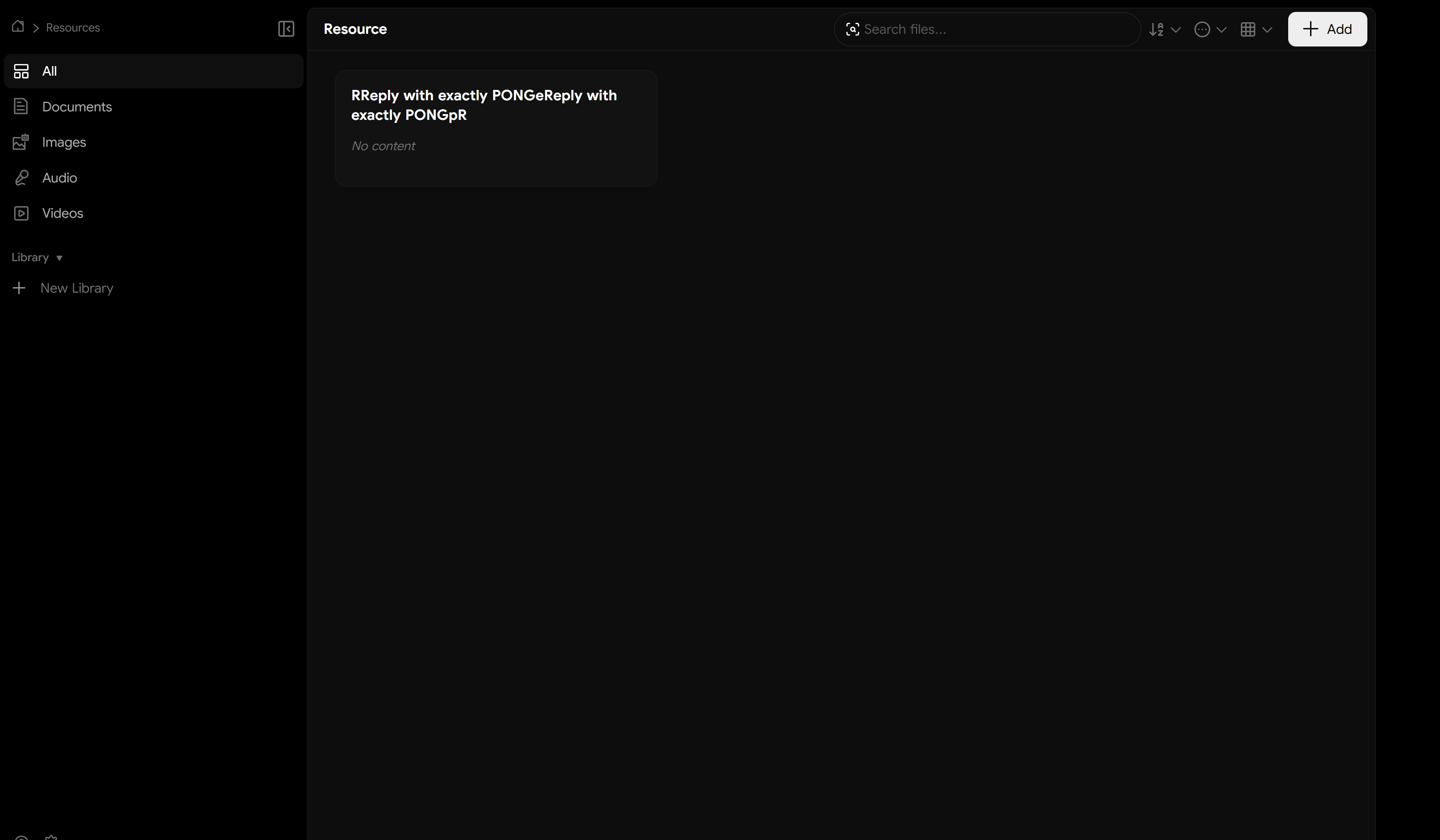
Ask from documents
Upload PDFs, Word files, or team material and ask AI to answer from real sources.
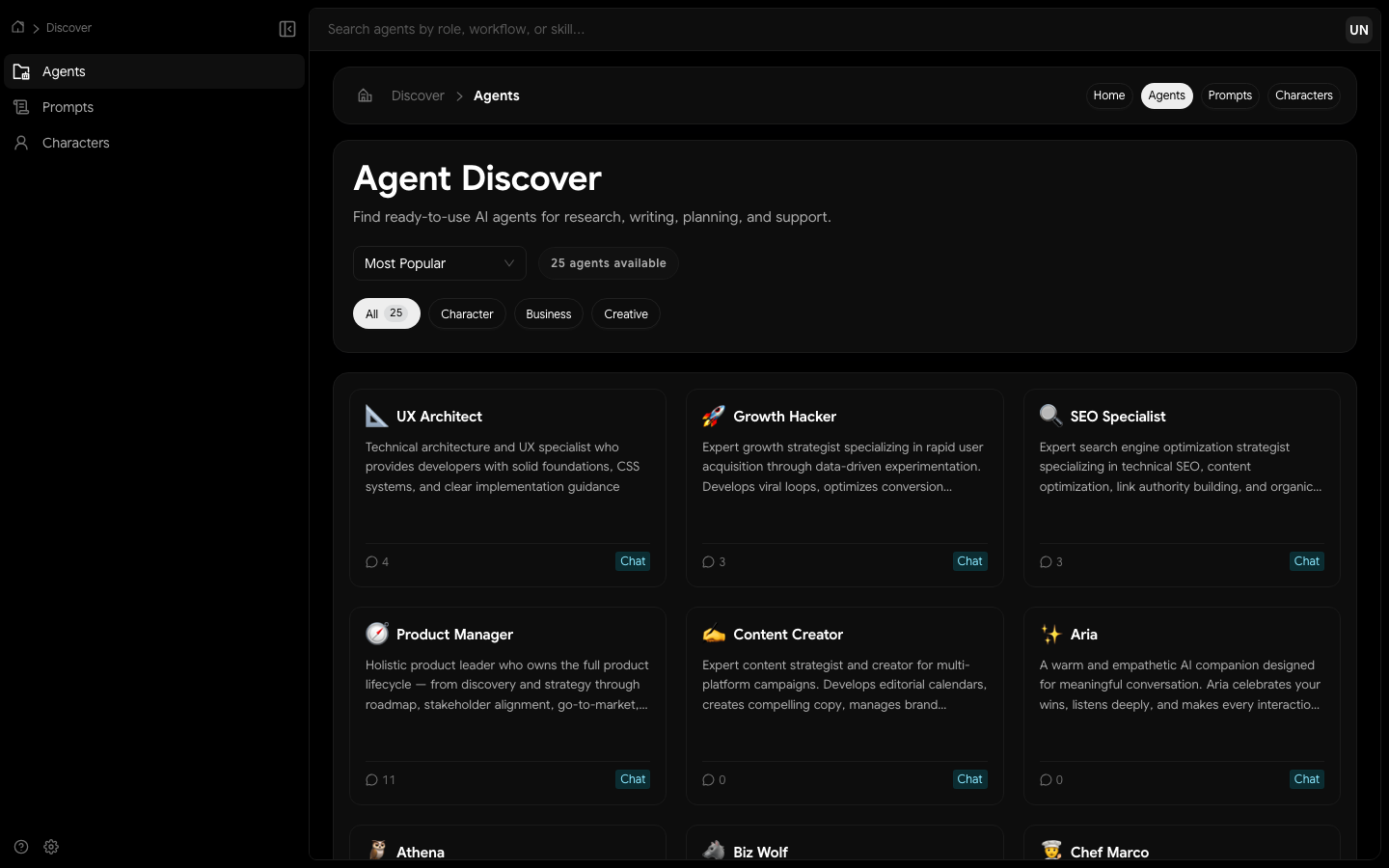
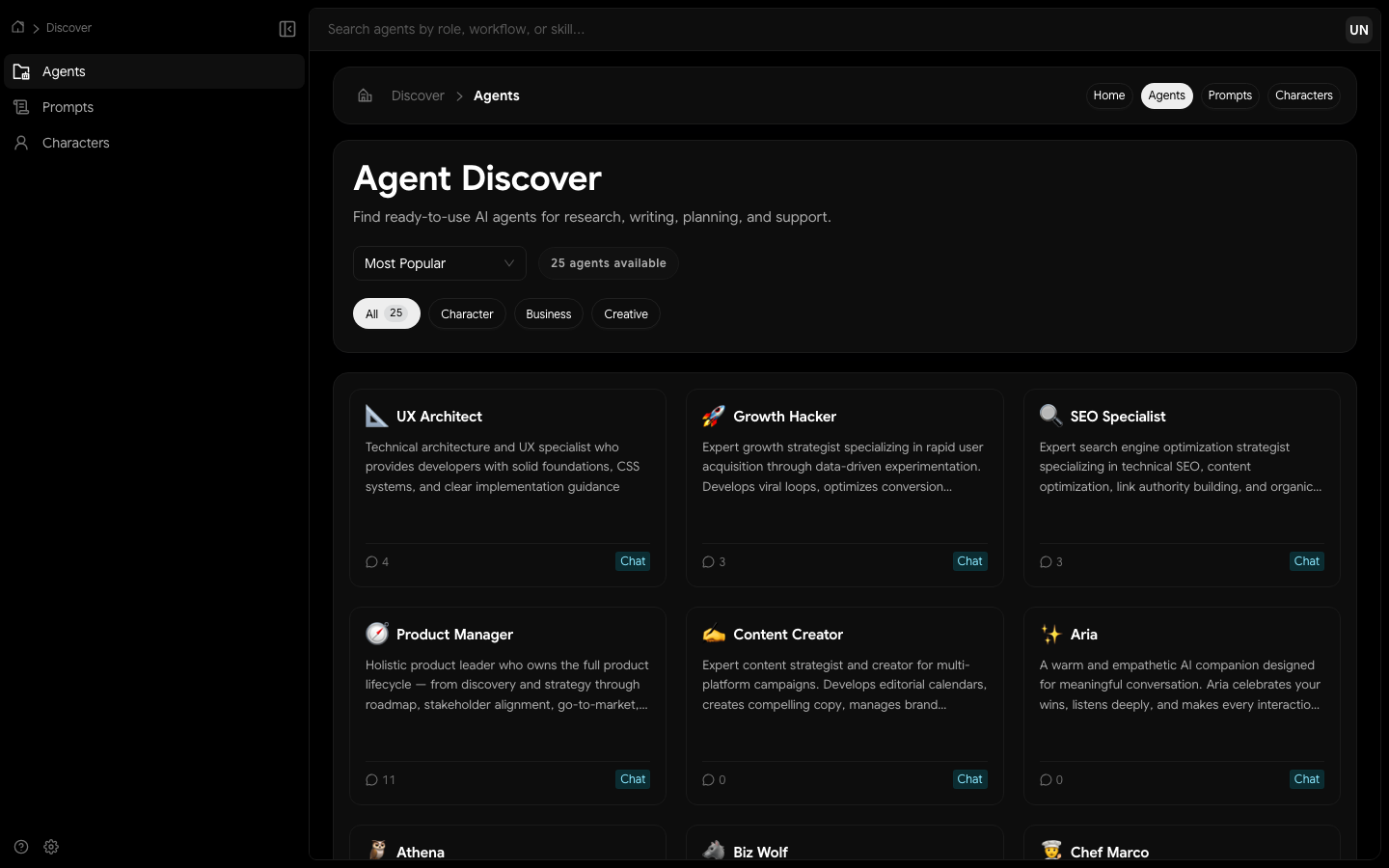
Open ready agents
Start from an agent with tone, rules, and context already prepared for repeatable work.
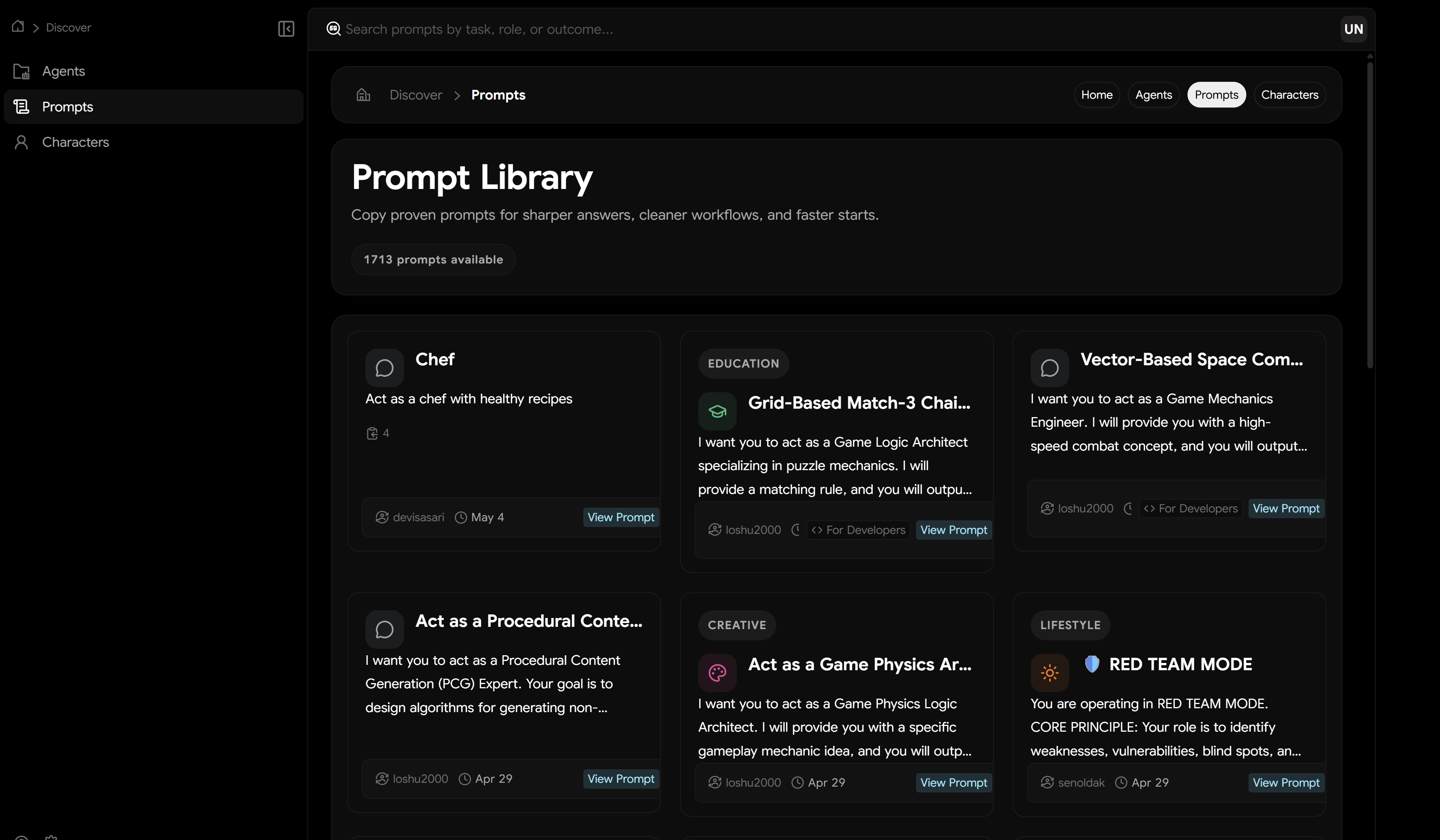
Reuse prompts
Keep prompts your team actually uses in one place, then bring them back when the job repeats.
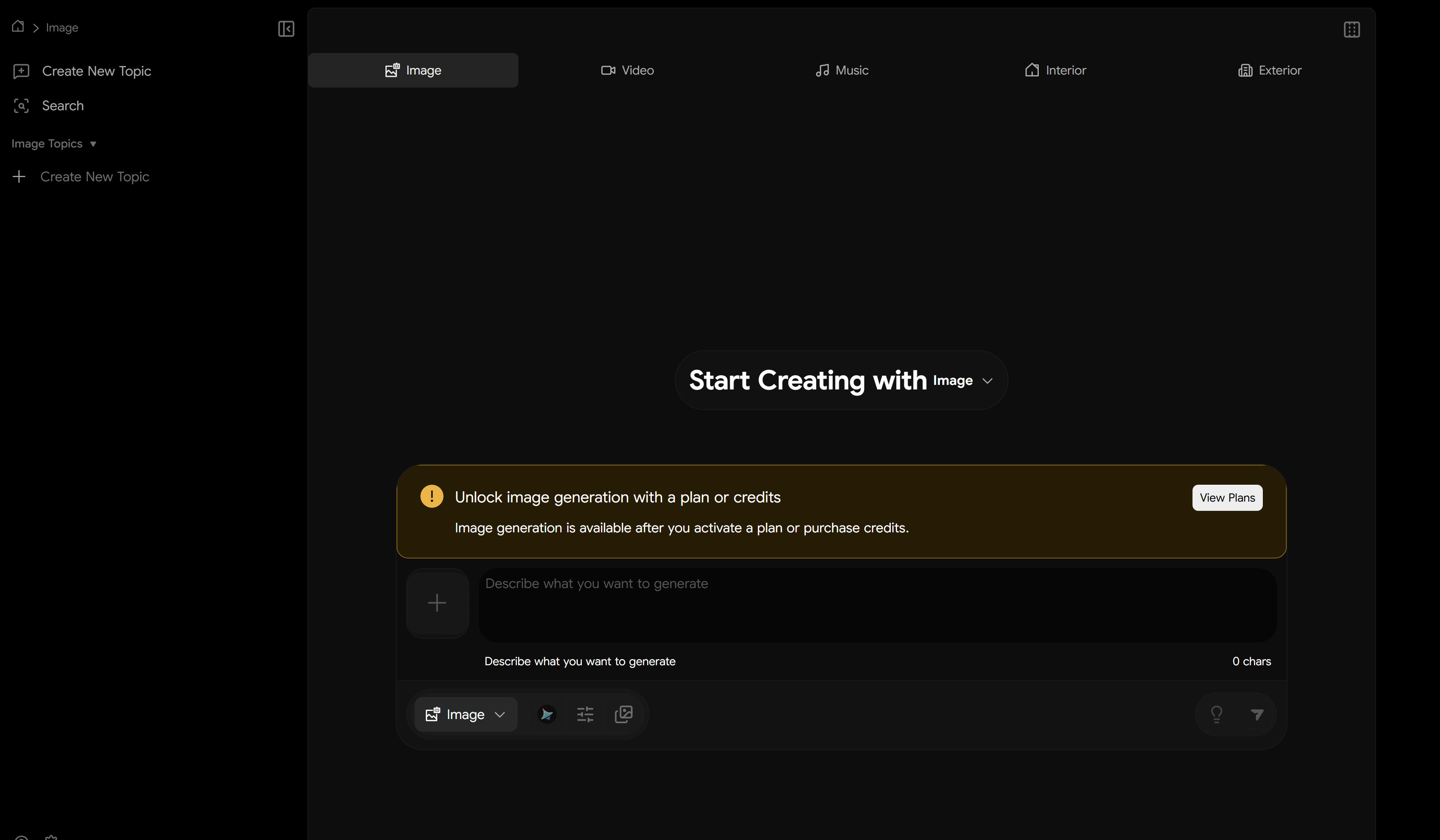
Create images from the same brief
Turn an existing idea or direction into images without moving the context to another app.
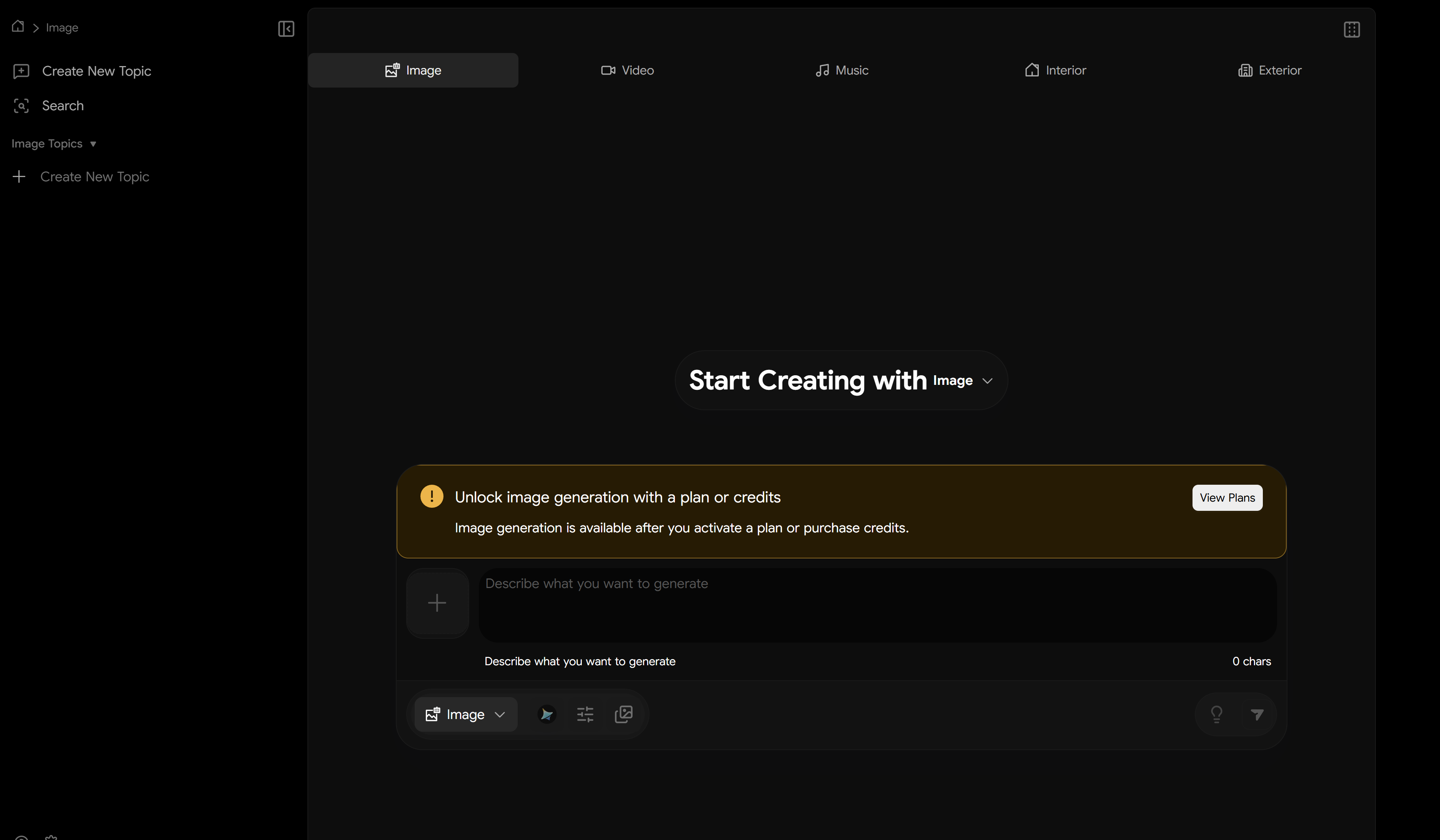
Create video and media assets
Use one brief for image, video, or audio so the direction stays intact across formats.
Speak instead of typing
Use voice to start ideas, capture points, or work faster when conversation is easier than typing.
Find the right model for the job
Compare GPT, Claude, Gemini, DeepSeek, Qwen, and custom models before using them in real work.
Choose the path closest to your work
If you are not sure which tool to open first, begin from the workflow that looks most like your day.
Start with your work today
Sign up free and begin from the workflow that fits your actual task.