
Daily work — open and continue
Roles, prompt library, and the right model — without rewriting the setup every morning.
Where work gets stuck
Support, content, and ops work often starts with copying an old prompt, re-explaining context, and guessing which model fits today.
How Wize helps
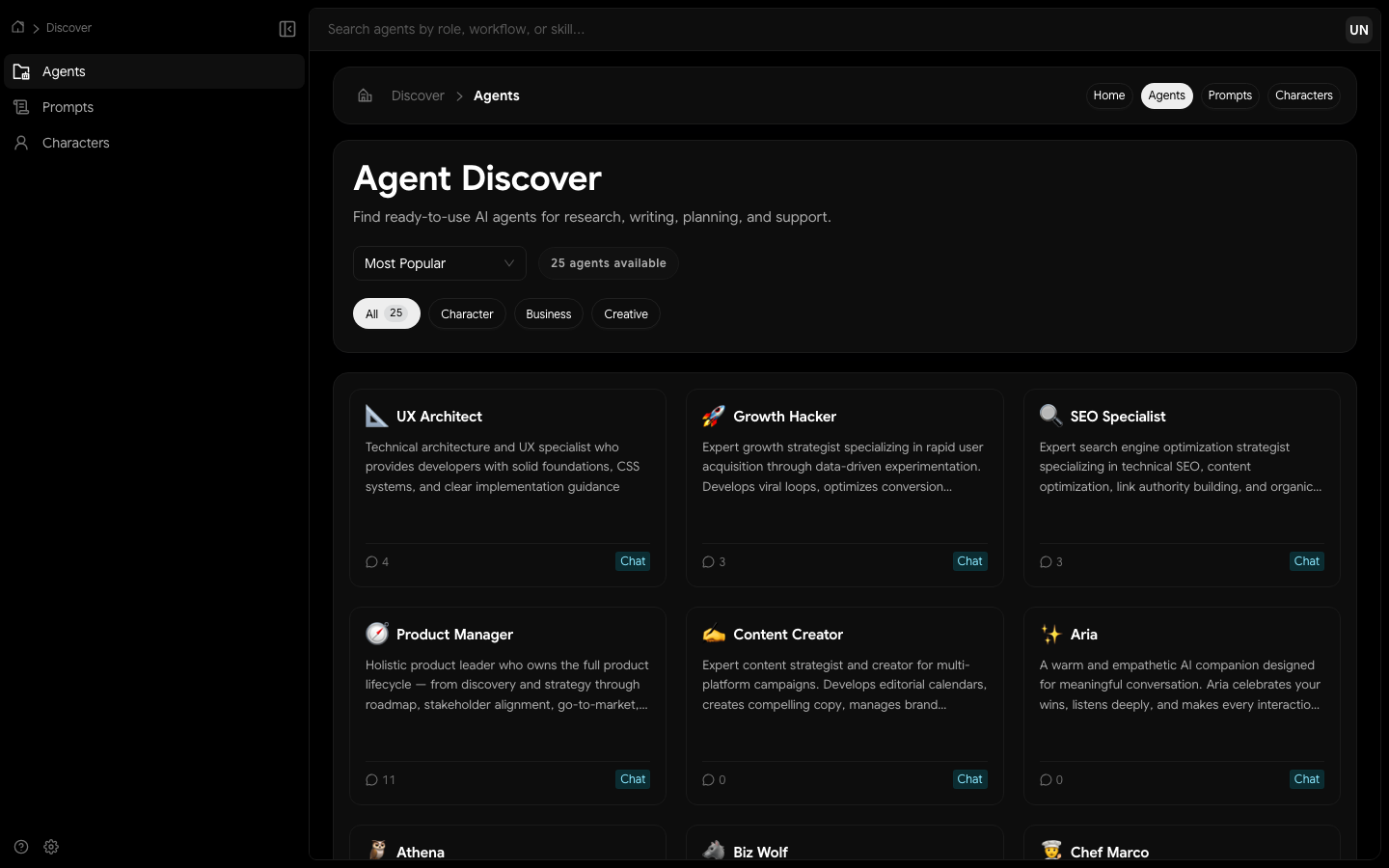
Open a role that is already configured, pull team prompts from the library, and switch models in the same thread — all inside Wize.
Steps in Wize
Manual handoff between tools
Support, content, or review — tone and rules are already set.
Manual handoff between tools
No hunting through old chats or Google Docs.
Manual handoff between tools
Reasoning on Claude, speed on Gemini — without rebuilding context.
Related features
AI agents you can open and actually get work moving
Pick the agent that fits the job and continue from prepared context instead of rewriting the setup every time.
Save prompts that already work — reuse them from chat
Store the prompts that proved useful, add variables, and call them from chat instead of rebuilding from memory.
Keep model access in one place, then choose what fits the job
Use Claude, GPT, Gemini, local models, and custom providers in one place without dragging context across apps.