
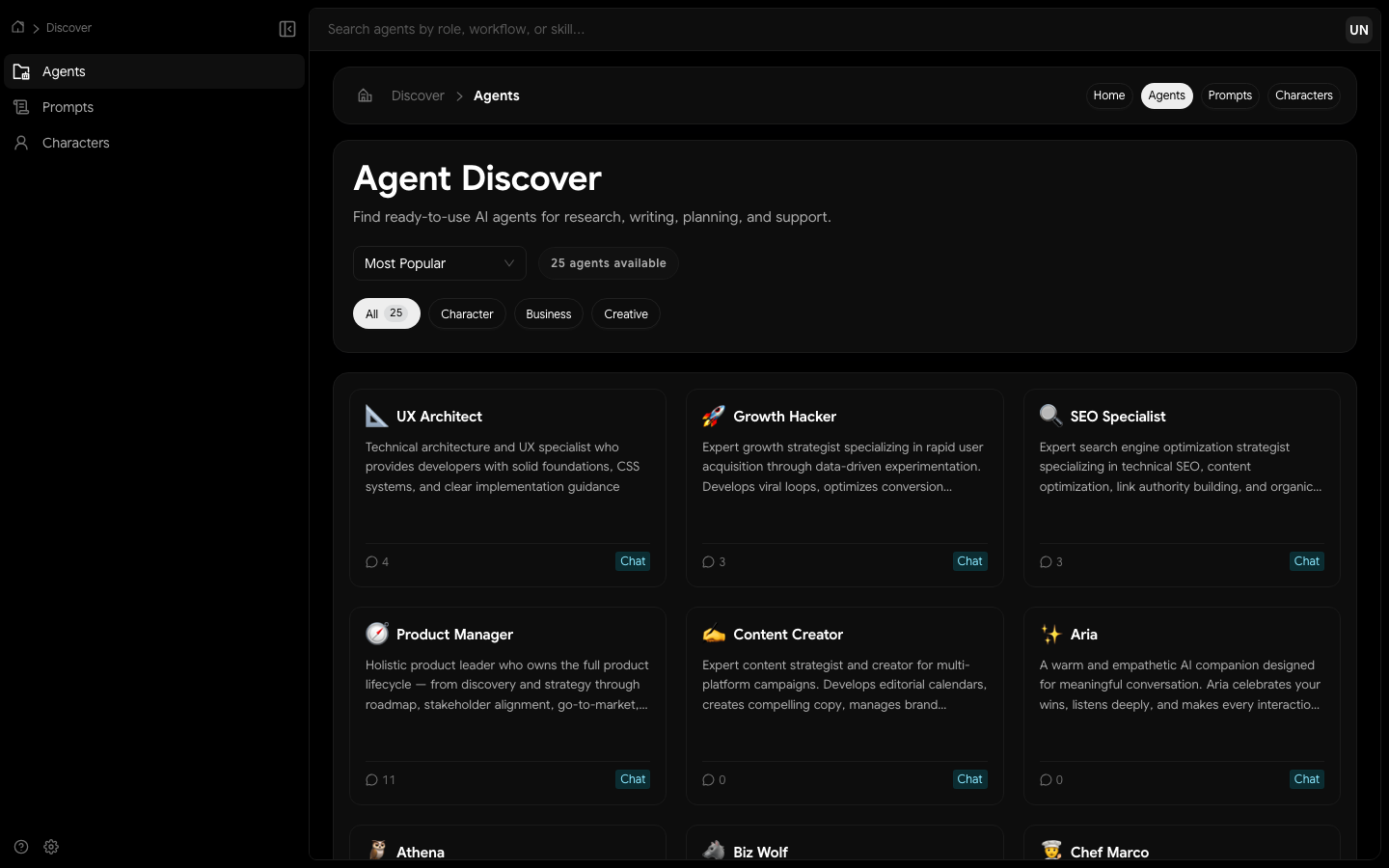
AI agents you can open and actually get work moving
Pick the agent that fits the job and continue from prepared context instead of rewriting the setup every time.
In Wize, an agent is not just a label. It comes with a role, instructions, model, tools, and knowledge already attached, so it starts from the kind of work it is meant to help with.
Where work gets stuck
Specialized AI work often falls apart in the first message. You rewrite the same context, the same guardrails, and the same tone over and over, then hope the model interprets it correctly again.
How Wize helps
Build the agent once, then reuse it. Persona, instructions, tools, and knowledge stay attached, which makes it faster to start and much easier to get consistent output.
What you can do with it
The practical pieces people use day to day.
Define the role in one place
Set tone, instructions, default model, and baseline settings so every session starts from the same playbook.
Attach the tools that task really needs
Add skills from the Marketplace or your own integrations so the agent can do more than answer text back.
Give each agent its own working knowledge
Link docs, files, or team material directly to that agent instead of re-uploading or re-explaining sources in every chat.
Share it with the team or keep it private
Team agents can become shared standards, while personal agents stay separate for individual workflows.
Swap the model later without rebuilding everything
If you want to try a new model, the instructions and setup stay intact, so you are not starting from scratch again.
How the workflow changes
| Topic | Before | After |
|---|---|---|
| Starting work | Open a blank chat and rewrite the setup from memory. | Open the agent and continue from prepared context. |
| Output quality | Results change based on how well you happened to phrase the prompt that day. | Instructions and knowledge stay stable, so the output does too. |
| Team usage | Everyone has their own version of the prompt. | The team starts from the same agent and the same baseline. |
Best fit for
People who write and respond all day
Posts, summaries, emails, customer replies: start from an agent that already knows the tone of the job.
Developers and DevOps teams
Use agents for code review, error triage, or test writing while keeping the team's rules and tooling close at hand.
Teams that want a shared standard
Build a reusable agent once so people stop reinventing the same prompt in different tabs.
Related features
Save prompts that already work — reuse them from chat
Store the prompts that proved useful, add variables, and call them from chat instead of rebuilding from memory.
Keep model access in one place, then choose what fits the job
Use Claude, GPT, Gemini, local models, and custom providers in one place without dragging context across apps.
Several people using AI — without the mess
Manage members, permissions, and shared assets in one place so team work does not fragment.