

GPT
A strong default for writing, outlining, summarizing, and everyday work that needs balanced speed and quality.
Wize brings GPT, Claude, Gemini, DeepSeek, Qwen, and other models into one workspace so you can start from the job and switch to the model that fits.
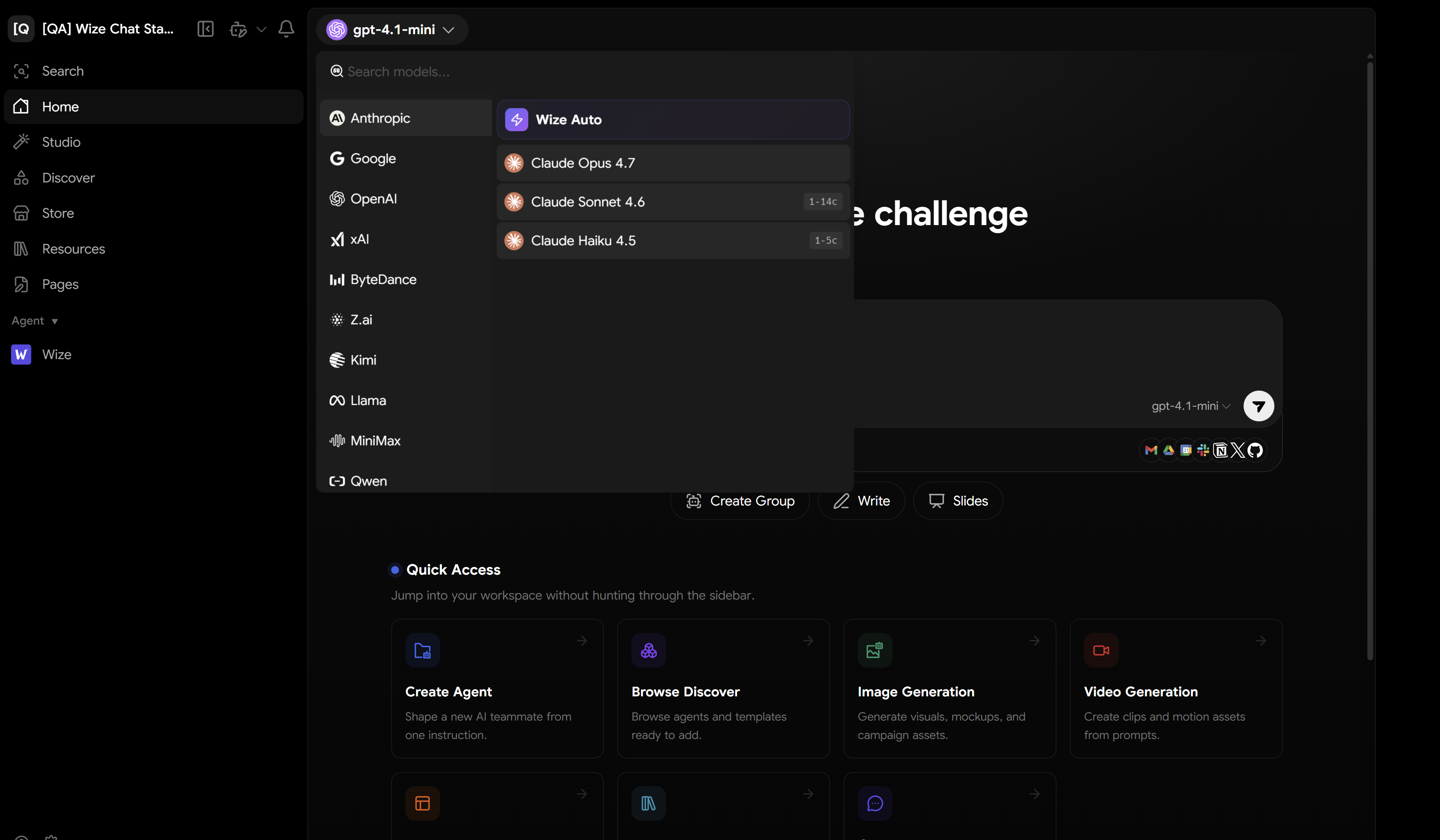
One place to understand which model family fits which kind of work before opening Wize.
A strong default for writing, outlining, summarizing, and everyday work that needs balanced speed and quality.

Useful for long reading, document analysis, and answers that need more context and careful wording.

Helpful when the work mixes text, files, images, and reasoning inside one workflow.

A practical option for reasoning, coding, and step-by-step work where cost control matters.
Another option for multilingual work, coding, and comparing answers across several model families.
Connect a provider or endpoint your team already uses so specialized models fit into the same workflow.
Wize keeps model choice attached to the work context instead of leaving you with a detached list of names.
Start from a prompt or role, then switch models to compare answers without losing context.
Use the model that fits your files and let Wize keep sources inside the same work path.
Move from one brief into text, images, audio, or video without splitting the job across apps.
Start free and choose models from the work you actually need to do.